

Camt.053 is the ISO 20022 BankToCustomerAccountReport (also called BankToCustomerStatement), the standard format banks use to deliver previous-period account statements for reconciliation. The single rule that prevents most import failures: export camt.053 for a closed period only, ending no later than yesterday, and verify the opening balance before you import. This guide covers the regulatory background, the export and import mechanics, and a working checklist for finance teams.
TL;DR:
- Always verify that the opening balance of the imported file matches the last closing balance in your ledger to prevent reconciliation discrepancies.
- Select the correct statement type by checking the date range covered, not just the label, because bank portal naming conventions vary across institutions.
- Use manual matching for unclear entries, and set clear rules for recurring issues like bank fees, inter-account transfers, or foreign currency rounding differences.
- Maintain proper governance by storing raw XML files, documenting manual adjustments, and confirming the export date range during every statement import process.
DemivoltSimplify Your Business BankingDemivolt provides dedicated IBAN accounts, SEPA and SWIFT payments, and multi-account controls for modern finance teams.Explore Demivolt
Table of Contents
- What camt.053 contains and how it differs from camt.052 and camt.054
- How to export the correct camt.053 file from internet banking
- Importing camt.053 into accounting or ERP systems and the reconciliation workflow
- Key camt.053 XML fields and mapping to accounting fields
- Common import and reconciliation errors and how to fix them
- Regulatory references and publisher guidance
- When to automate camt.053 workflows and how to govern them
- How Demivolt supports ISO 20022 camt.053 workflows
- Sources
- FAQ
What camt.053 contains and how it differs from camt.052 and camt.054
Camt.053 is a structured XML statement that reports every posted transaction for a completed period, along with the opening and closing balances that tie the period together. Accounting and ERP systems rely on a handful of elements inside the file to match and post transactions correctly: OpngBal (opening balance), Ntry (each individual transaction entry), Amt (the amount and currency), BookgDt (booking date), ValDt (value date), and EndToEndId (the payment reference used to match an entry to a registered invoice or payment order).

Camt.052 serves a different purpose. According to Artea’s guidance on ISO 20022 file formats, camt.052 is intended for current-day statements or for periods that include the current day, while camt.053 is reserved for statements covering a period that has already closed. Camt.054 is narrower still: it reports individual debit or credit notifications rather than a full period summary, which makes it useful for flagging specific incoming or outgoing payments rather than reconciling a whole account.
The practical implication shows up the moment you open a bank portal:
- Choose camt.052 when you need a same-day snapshot or an intraday balance check.
- Choose camt.053 when you are closing a period and need a complete, previous-day-or-earlier statement for reconciliation.
- Choose camt.054 when you only need notification-level detail on specific transactions, such as confirming a single incoming SEPA credit.
Bank portals do not always label these consistently. Some show “Statement” for camt.053 and “Report” for camt.052, while others use the ISO codes directly. The safest habit is to check the date range the file actually covers, not just the button label, since Artea’s documentation notes that naming conventions vary across banks even though the underlying date logic stays the same. Getting this choice right at the source avoids a downstream import rejection, which is the most common failure point finance teams report.
How to export the correct camt.053 file from internet banking
Exporting camt.053 correctly is less about the bank portal and more about discipline around dates and format selection. Most import failures trace back to one of two mistakes: including today’s date in the range, or picking the wrong ISO 20022 message type.
- Set the end date to yesterday, never today. Vendor guidance is explicit that accounting systems often reject files containing the current day, since banks deliver a different, incomplete format when today is included, as Itax confirms.
- Confirm the start date matches your last successful import so there is no gap or overlap in the period covered.
- Select ISO 20022 / camt.053 explicitly in the export menu rather than a generic “statement” or CSV option.
- Confirm the file encoding is UTF-8 before download, since some older banking portals default to a different encoding that breaks special characters in payment references.
- Name the file with the account identifier and date range so it is traceable later during an audit.
- Open the file in an XML viewer or validator before importing it into your accounting system, and check that the opening balance shown matches your last closing balance.
- Confirm the currency and account number in the file match the account you intended to export, particularly if your business holds multiple IBANs.
Pro Tip: Run a quick visual check of the opening balance against last period’s closing balance before you import anything: a mismatch caught at this stage takes two minutes to fix, while the same mismatch caught after posting can take hours to unwind.
Once the file passes these checks, it is ready for the accounting or ERP system. Skipping the balance check is the step most teams regret, since importers rarely flag a balance mismatch on their own. For a broader look at selecting the right statement period, see our guide to business bank account statements.
Importing camt.053 into accounting or ERP systems and the reconciliation workflow
Once a valid camt.053 file lands in your accounting system, the importer parses each Ntry and attempts to match it against your existing records using a combination of date, amount, payment reference, IBAN, and counterparty code. According to itax.lt’s help documentation, many systems present this as a two-column view: bank entries on one side, registered payments on the other, with the goal of matching every bank entry (shown in green when matched) against a corresponding registered payment.
Most import failures resolve into one of four buckets, and a productive reconciliation session works through them in order rather than jumping between line items.
- Match registered payments. Let the system auto-match entries where the reference, amount, and date align with an invoice or payment order already in your books.
- Assign unidentified entries. For bank entries with no automatic match, manually link them to the correct customer, vendor, or ledger account.
- Create missing payments. For entries with no corresponding record at all, such as a bank fee or a one-off payment made outside your usual process, create the missing entry directly.
- Verify opening and closing balances. Confirm the statement’s opening balance matches your ledger’s carried-forward balance, and that the closing balance ties out after all entries are posted.
Three categories of entries cause repeated friction: bank fees, which often arrive without a clear reference and need a standing rule to auto-categorize; inter-account transfers between your own accounts, which can double-post if both sides of the transfer are imported separately; and currency rounding differences on foreign currency transactions, which show up as small unexplained variances at period end.
Vendor guidance on this workflow is consistent across accounting platforms: the objective is always to end with every bank entry matched and no unexplained registered payments left dangling, a pattern documented in itax.lt’s reconciliation guidance. For a fuller walkthrough of reconciliation mechanics beyond camt.053 specifically, our payment reconciliation guide covers the broader process, and Tolliver’s guide to Xero bank reconciliation offers a practical, platform-specific look at validating opening and closing balances.
Key camt.053 XML fields and mapping to accounting fields
Accountants configuring an import or working with a developer on a custom parser need a clear map between the XML structure and the fields their ledger expects. The table below covers the fields that matter most for day-to-day reconciliation work.
| XML field | Accounting target | Notes |
|---|---|---|
| MsgId | Import batch reference | Unique identifier for the statement message itself, useful for audit trail |
| CreDtTm | Import timestamp | When the bank generated the file, not the transaction date |
| Account / IBAN | Bank account record | Must match the account already configured in the ledger |
| OpngBal / ClsgBal | Period opening and closing balance | Used to validate the statement before posting any entries |
| Ntry | Individual transaction line | One entry per posted transaction |
| BookgDt | Posting date | Drives cash-basis accounting entries |
| ValDt | Value date | Relevant for interest calculations and accrual timing |
| EndToEndId | Payment reference | Primary key for matching to an invoice or payment order |
| RmtInf | Remittance information | Free-text reference, used as a fallback match when EndToEndId is missing |
When EndToEndId is present and clean, matching is close to automatic. When it is missing or garbled, which happens often with manually entered wire transfers, the fallback is to match on amount, date, and counterparty name pulled from RmtInf, then confirm manually.
The distinction between BookgDt and ValDt matters more than it looks. A cash-basis process should reconcile against BookgDt, since that reflects when funds actually moved through the account. An accrual-basis process may need to reference ValDt separately, particularly for interest-bearing accounts where the value date determines when interest starts accruing. Mixing the two without realizing it is a quiet source of period-end discrepancies.
Common import and reconciliation errors and how to fix them
Most camt.053 problems trace back to a small set of recurring mistakes, and each one has a clear fix.
- Current-day transactions included in the export. The file will not import cleanly, or it will import with an incomplete closing balance. Fix: re-export with the end date set to yesterday, and confirm the bank did not default back to today.
- Opening balance mismatch. This usually means a gap exists between the last imported period and the new one. Fix: check for a missing statement covering the gap dates before posting anything new.
- Missing payment references. Entries with no EndToEndId or garbled RmtInf text require manual matching. Fix: build a fallback rule based on amount, date, and counterparty name.
- Encoding or duplicate entry issues. Files exported with the wrong encoding can corrupt special characters in references, sometimes causing the same entry to appear twice. Fix: confirm UTF-8 encoding before every export, and check for duplicate MsgId values before import.
- Currency rounding differences. Small residual variances after posting foreign currency transactions. Fix: set a rounding tolerance threshold in your reconciliation rules rather than chasing fractions of a cent manually.
Pro Tip: Keep a running log of every reconciliation exception and its resolution: patterns that repeat month after month, like the same vendor’s payments always missing a reference, usually point to a fixable process issue upstream rather than a one-off error.
Prevention beats troubleshooting here. Standardizing your export routine, always ending at yesterday, always confirming ISO 20022 camt.053 as the selected format, catches the majority of these issues before they reach the accounting system at all.
Regulatory references and publisher guidance
Lithuanian regulatory materials from the Lietuvos banko valdyba, published through the official e-tar registry, reference ISO 20022 message types including camt.053 (BankToCustomerAccountReport) and camt.054 (BankToCustomerStatement), giving finance teams an official citation point when documenting internal procedures. A text copy of a related 2018 Lietuvos bank decision, available through Temidy, similarly references camt message types including camt.053 and camt.052.
Vendor documentation fills in the operational detail that regulatory text does not cover. Bank help pages consistently describe the same date logic: camt.052 for current-day or intraday reporting, camt.053 for closed, previous-period statements.
A short internal checklist keeps this auditable:
- Cite the regulatory source when documenting why camt.053 is used for period-end reconciliation.
- Keep the raw XML file alongside your reconciliation records, not just the imported summary.
- Log the export date range for every statement pulled, so a future audit can confirm that no period was skipped or duplicated.
- Reference vendor-specific import behavior (date exclusions, matching logic) in your internal procedure documents, since it varies by system.
Demivolt publishes applied operational notes alongside these regulatory references specifically to help finance teams connect the formal requirement to the daily export and import routine.
When to automate camt.053 workflows and how to govern them
Automation earns its keep once a business is reconciling more than a handful of accounts or processing enough transaction volume that manual matching becomes the bottleneck in your close process. Below that point, a disciplined manual checklist is often faster to maintain than an automated pipeline, since building and testing the automation itself takes time you might not get back for months.
Whichever path you take, some checks should stay manual regardless of scale: the opening balance verification before posting, and a sign-off step before a reconciliation is marked complete. Automating the matching logic is reasonable. Automating away the human review of balances is where errors compound quietly.
Governance matters as much as the technical setup. Store the raw camt.053 XML files, not just the parsed summary your accounting system generates, since the raw file is what an auditor will ask for. Maintain a change log of any manual adjustments made during reconciliation, and require a named sign-off on opening-balance checks each period. If your transaction volume or account structure becomes complex enough that in-house parsing feels fragile, that is the point to engage your bank’s technical team or a provider that handles ISO 20022 delivery directly.
— dd
How Demivolt supports ISO 20022 camt.053 workflows
A regulated European fintech platform can deliver clean, standards-based statement data that simplifies reconciliation. Such business accounts often provide dedicated IBANs, support for SEPA and SWIFT payments, and client funds held in segregated accounts, with infrastructure designed to meet EU regulatory standards.
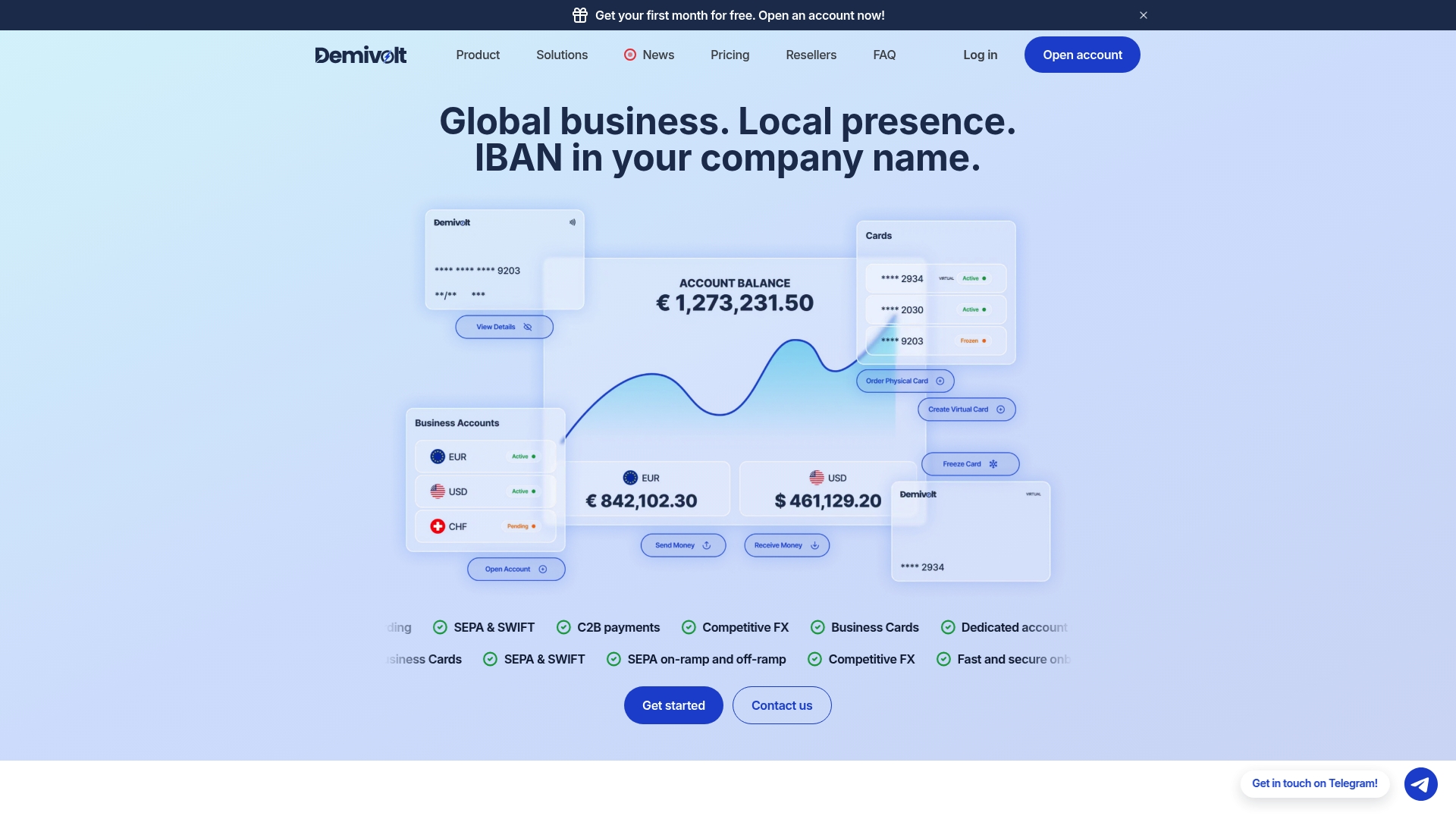
A finance team using a regulated fintech business account may receive camt.053 statements for closed periods, export them to accounting or ERP systems, or use integration options for automated matching against registered payments. Onboarding processes can be designed for efficiency and transparency, with role-based access allowing different team members to manage payments, exports, and approvals securely.
- Dedicated IBAN accounts potentially supporting camt.053 and ISO 20022 formats.
- Client funds kept segregated with EU regulatory compliance considerations in the account structure.
- Role-based user management features aimed at supporting finance teams requiring separation of duties.
If reconciliation friction is a recurring problem for your business, a Demivolt business account is worth a look as the source of your statement data, not just the destination for your reconciled entries.
Sources
These sources back the regulatory and operational claims in this guide and are worth bookmarking for future reference.
- Itax
- ISO 20022 XML formato sąskaitos išrašai Interneto banke - Artea
- Dėl Lietuvos banko valdybos 2018 m. lapkričio 20 d. nutarimo Nr … - Temidy
FAQ
What is the main difference between camt.053 and camt.054?
Camt.053 is a full account statement covering a previous, closed period, including opening and closing balances and every transaction in between. Another ISO 20022 message type reports individual debit or credit notifications rather than a full period summary, which makes it more useful for flagging specific payments than for full reconciliation.
Why won’t my accounting system import a camt.053 file with today’s date included?
Many accounting systems are built to reject or misprocess camt.053 files that include the current day, since banks generate a different, incomplete format when today’s transactions are still being processed, according to itax.lt’s import documentation. The fix is to always set the export end date to yesterday or earlier.
Should I use camt.052 or camt.053 for daily reconciliation?
Use camt.053 for period-end reconciliation, since it covers a closed period with verified opening and closing balances. Use camt.052 only when you need a same-day or intraday snapshot, as Artea’s guidance distinguishes.
What should I check before importing a camt.053 file?
Confirm the file covers the correct account and currency, verify the opening balance matches your last closing balance, and check the file for UTF-8 encoding and valid XML structure. Skipping the balance check is the most common cause of downstream reconciliation errors.
Does Demivolt provide camt.053 statements for business accounts?
Demivolt business accounts are built on regulated infrastructure supporting ISO 20022 formats, with dedicated IBANs and segregated client funds. Details on account features and onboarding are available on the Demivolt business accounts page.