

Automate mass payments through a SEPA/SWIFT-capable business account or payments platform that accepts batch files or offers an API. This is the fastest way to cut payment processing time and eliminate manual entry errors across payroll, supplier, and contractor runs. Before rolling out, prepare a test payment file and check your provider’s onboarding time, since these two steps determine how quickly you go live.
TL;DR:
- Processing over 50 payments monthly or handling recurring payroll significantly justifies automation by saving staff hours and reducing errors.
- Using SEPA for euro transfers costs around €0.40 per transfer, while SWIFT can cost up to €30, making SEPA preferable for large batches within the eurozone.
- Starting with file uploads allows businesses to identify data-quality issues early before transitioning to API integration for higher volumes.
- Secure vendor onboarding, role-based access, multi-step approval, and audit trails are essential controls to prevent fraud and ensure compliance in mass payments.
- Testing small batches or sandbox runs before full implementation minimizes mistakes and eases internal and vendor adoption.
DemivoltSimplify Your Business PaymentsDemivolt provides dedicated IBAN accounts, SEPA and SWIFT payments, and business cards through compliant digital-first financial infrastructure.Explore Demivolt
Table of Contents
- What Are Masiniai Mokėjimai (Mass Payments) for Business?
- Which Payment Rails and File Formats Should You Use?
- Should You Use API, File Upload, or Bank Import?
- How Much Time and Money Does Automation Actually Save?
- What Security and Compliance Controls Do Mass Payments Require?
- How Do You Roll Out Mass Payments Step by Step?
- How Do You Choose a Mass-Payments Provider?
- Why Pragmatic Pilots Beat Big-Bang Rollouts
- How Demivolt Supports Mass Payments for Growing Businesses
- Sources
- FAQ
What Are Masiniai Mokėjimai (Mass Payments) for Business?
Masiniai mokėjimai, or mass payments, means sending many payments to different recipients in one action instead of processing each transfer individually. You upload a single file or trigger an API call, and the system pushes out dozens, hundreds, or thousands of payments at once. Batch payments let businesses process large volumes through one CSV or XML upload or a direct integration, cutting the administrative overhead of manual transfers and reducing keying errors.
The most common scenarios where this matters:
- Payroll: monthly or biweekly salary runs to dozens or hundreds of employees.
- Vendor and supplier payouts: settling multiple invoices in one submission instead of one-by-one bank transfers.
- Contractor disbursements: recurring payments to freelancers or gig workers across different accounts.
- Refunds and benefits: bulk customer refunds or employee benefit payments.
If you’re processing payroll every month or handling more than 50 payments monthly, manual transfers start costing more in staff hours than an automated setup would.
Which Payment Rails and File Formats Should You Use?
Your choice of rail depends on where your recipients bank and how fast you need the funds to land. SEPA covers euro transfers across the European Economic Area and typically settles within one business day. SEPA Instant moves funds in seconds, though not every bank in the network supports it yet. SWIFT handles cross-border and non-euro transfers globally, but it takes longer, usually one to three business days, and carries higher per-transfer costs.
File format matters just as much as the rail. A quick breakdown:
- CSV: simplest option, good for straightforward lists with basic recipient and amount data.
- XML/ISO 20022: the emerging global standard, carrying richer remittance data and better interoperability across banks.
- API submission: skips file handling entirely, pushing structured payment instructions directly from your system.
Fee reality check: SWIFT transfers commonly cost more per transaction than SEPA. On Demivolt’s fee schedule, for example, a SEPA outgoing transfer runs €0.40 per transfer, compared to €30.00 for a SWIFT outgoing payment. If most of your recipients are within the SEPA zone, that difference adds up fast across a large batch.
For international payouts involving multiple currencies, factor in FX conversion timing and markup separately from the transfer fee itself. Some providers bundle FX into the exchange rate rather than charging a visible fee, which makes cost comparison harder unless you ask directly.
Should You Use API, File Upload, or Bank Import?
The right integration path depends on your payment volume and your internal technical resources, not on which option sounds more advanced.
File upload works best when you’re processing moderate volumes and don’t have engineering resources to spare. You export a CSV or XML file from your accounting system, log into your banking platform, and upload it for processing. This is the fastest way to get started with mass payments for business without a development project attached.
API integration earns its cost when you’re running high volumes, need real-time payment status, or want your ERP to trigger payments automatically. Enterprise payment hubs that connect ERPs directly to banking rails support rule-based approvals and straight-through processing, removing manual handoffs entirely.
Either path follows a similar operational sequence:
- Prepare the payment file or API payload with recipient and amount data.
- Route it through your approval workflow.
- Submit the batch for processing.
- Reconcile confirmed payments against your accounting records.
Pro Tip: Start with file upload even if you eventually plan to build an API integration. It surfaces data-quality issues (missing IBANs, mismatched names) before you invest engineering time.
How Much Time and Money Does Automation Actually Save?
The math is straightforward once you count the hours your team spends on manual transfers today. Every payment entered by hand is a chance for a typo, a wrong IBAN, or a missed recipient. Batch processing removes that repetition and shrinks the error rate that causes failed payments and follow-up calls.
Beyond error reduction, automation improves reconciliation speed. When payments run through a single batch, your accounting team can match outgoing transfers against invoices in one pass instead of chasing individual confirmations. That translates into better cash visibility and fewer late payments to suppliers, which matters if you’re managing vendor relationships across borders.
Cost drivers to weigh against the payoff:
- Per-transfer fees (SEPA vs. SWIFT, as detailed above).
- FX markups on multi-currency payouts.
- Monthly platform or account maintenance costs.
The breakeven point: once your business processes enough monthly transactions that staff time saved exceeds platform fees, automation pays for itself. For most SMEs running regular payroll or supplier payments, that threshold arrives faster than expected. A detailed breakdown of automation’s cost and risk impact walks through the specific levers worth tracking.
What Security and Compliance Controls Do Mass Payments Require?
Moving money at scale means fraud risk scales too, unless your controls are built for volume from the start. The strongest defense starts before the first payment ever leaves your account: vendor onboarding.
Secure vendor portals let suppliers and contractors enter and verify their own banking details rather than emailing them to your finance team. This removes a manual step where typos and social engineering attacks both thrive. Payment automation platforms that embed vendor self-service onboarding alongside configurable approval workflows and audit trails give finance teams both fraud protection and speed.
Letting vendors update their own payment details, rather than collecting bank information by email, cuts wrong-account errors and repeated internal update requests. It’s one of the simplest fraud-reduction changes a finance team can make without new software.
Beyond onboarding, three controls matter most:
- Role-based access: separate who can create a batch from who can approve and release it.
- Multi-step approval thresholds: require sign-off from a second person above a set payment amount.
- Immutable audit trails: every action, from file upload to final release, logged and timestamped.
Pro Tip: Set your approval threshold low at first, even if it slows things down. You can loosen it once you trust the reconciliation data your batch runs produce.
Segregation of duties, daily transfer limits, and automated reconciliation aren’t just fraud prevention. They’re what regulators expect to see during an audit, and a compliant automation setup makes that documentation far easier to produce on demand.

How Do You Roll Out Mass Payments Step by Step?
A rushed rollout is where most mass-payment mistakes happen. Follow this sequence instead of skipping straight to a full production run.
Prepare:
- Build a sample payment file with all required fields: recipient name, IBAN, amount, currency, and remittance reference.
- Confirm vendor permissions and banking details through a secure onboarding channel.
- Check your provider’s accepted file format and any field requirements documented in their support pages.
Test:
- Run a sandbox batch or a small-value live test to confirm the file processes correctly.
- Verify payment statuses update as expected and match your reconciliation workflow.
- Providers that supply sample CSV or XML templates and sandbox environments cut the guesswork out of this step.
Operate:
- Set approval thresholds based on payment size and recipient risk.
- Schedule recurring runs (payroll dates, supplier payment cycles).
- Define exception handling for failed or flagged payments before they hold up an entire batch.
- Finalize reconciliation against your accounting ledger after each run.
How Do You Choose a Mass-Payments Provider?
Not every provider handles scale the same way, so ask specific questions before committing.
Capabilities to verify:
- Which rails are supported: SEPA, SEPA Instant, SWIFT, or local transfer networks.
- Whether API documentation and file-format templates are publicly available.
- If sandbox testing is offered before you commit to a live batch.
Service levels that affect daily operations:
- Onboarding time from application to first live payment.
- Settlement windows for each rail you’ll use regularly.
- Error resolution turnaround when a payment fails or gets flagged.
Commercial terms:
- Pricing model: per-transfer fees versus flat monthly costs.
- FX policies for multi-currency payouts.
- Refund and chargeback handling for reversed payments.
Pro Tip: Ask for the exact fee schedule in writing before signing, not just a sales estimate. Per-transfer costs on SWIFT payments especially can vary widely between providers.
Why Pragmatic Pilots Beat Big-Bang Rollouts
The businesses that get mass payments right don’t flip a switch and migrate everything overnight. They run a small, measurable pilot, usually one payroll cycle or one supplier batch, and fix what breaks before scaling.
That approach also reduces internal resistance. When finance, operations, and IT sign off together on a pilot’s results, the full rollout meets far less friction. Prioritize clear vendor communication early. A supplier confused by a new payment process is far more likely to flag it as fraud than to just wait it out.
— dd
How Demivolt Supports Mass Payments for Growing Businesses
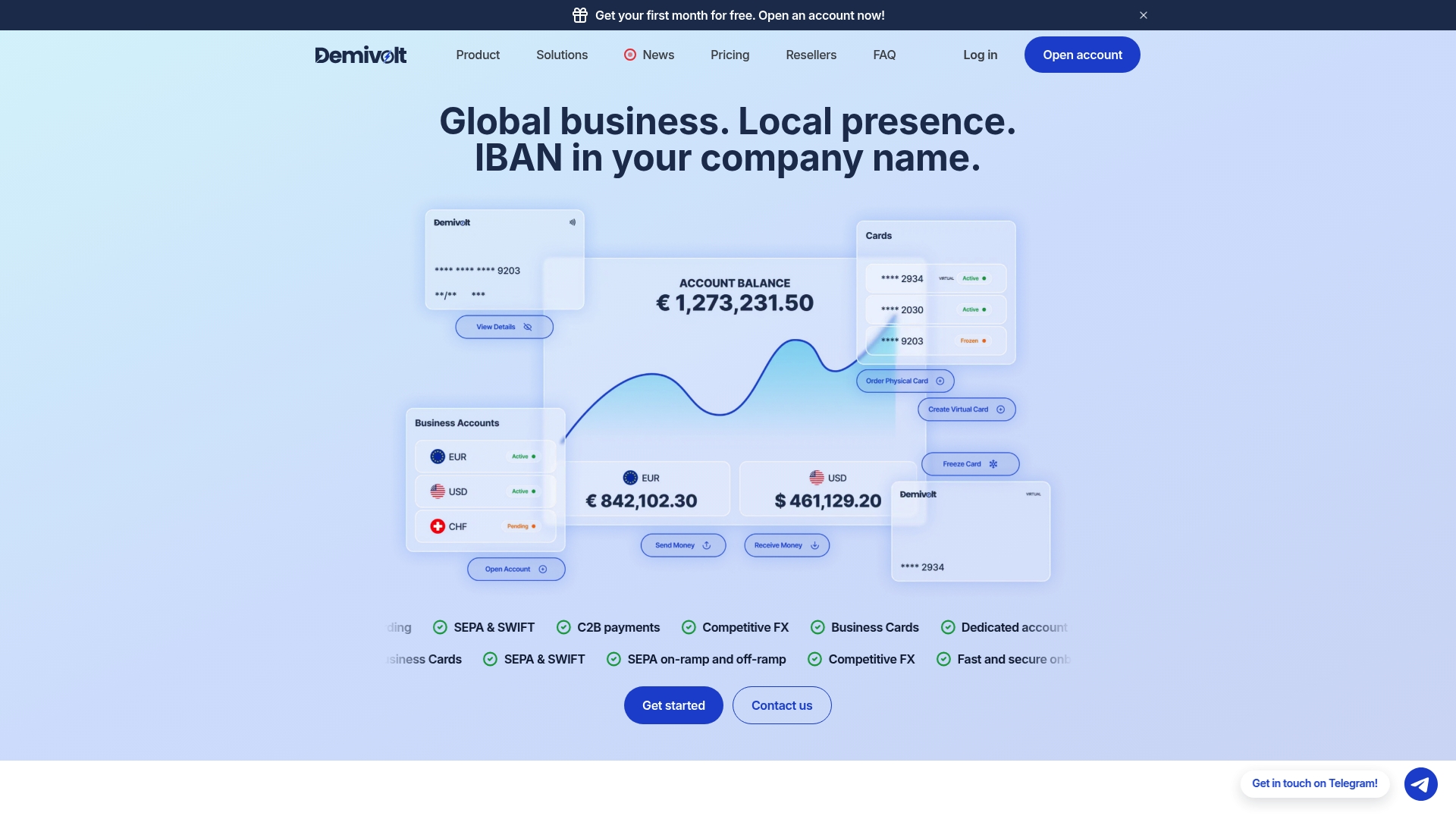
A suitable provider is essential for businesses that need regulated infrastructure without the slow onboarding typical of traditional banks. Every checklist item covered above maps directly onto what a Demivolt business account provides: SEPA and SWIFT support, both API and file-upload payment options, role-based user management for approval workflows, and segregated client funds that meet EU regulatory standards.
If your business processes payroll, supplier, or contractor payments on a recurring basis, the practical next step is requesting sandbox access to test a sample batch file before committing. Demivolt’s payment processing options support both SEPA and SWIFT rails from a single dedicated IBAN account, so you can compare settlement timing and fees against what you’re paying today. Advisors evaluating this for multiple clients can also explore the reseller program for recurring commission on referred accounts. Contact a provider to estimate onboarding timelines and see how a regulated business account handles your specific payment volume.
Sources
For readers who want the technical specs behind mass payments, these resources go deeper:
FAQ
What File Formats Do Mass Payment Systems Accept?
Most providers accept CSV for simple recipient lists and XML or ISO 20022 for richer remittance data. Check your specific provider’s documentation, since required fields and cutoffs vary by bank.
How Long Does SEPA vs. SWIFT Take to Settle?
SEPA transfers typically settle within one business day, while SEPA Instant can complete in seconds. SWIFT transfers usually take one to three business days depending on the corridor.
Should I Test a Mass Payment Batch Before Going Live?
Yes. Run a sandbox test or a small-value live batch first to confirm the file processes correctly and statuses update as expected before submitting a full production run.
What Does Demivolt Charge for Outgoing Payments?
Demivolt’s SEPA outgoing transfer costs €0.40 per transfer, while a SWIFT outgoing transfer costs €30.00. Account opening, verification, and monthly maintenance carry no published fee.
What’s the Minimum Volume Where Automation Makes Sense?
There’s no fixed threshold, but businesses processing recurring monthly payroll or more than 50 payments a month typically see staff time savings that outweigh platform costs.