

API key management is the practice of generating, restricting, storing, rotating, and revoking the credentials that let software talk to your APIs. The single most useful thing you can do right now is generate a restricted key scoped to one service, then store it in a dedicated secrets manager rather than a config file. Standards bodies like OWASP and the IETF, through RFC 9700, back this approach for good reason: unrestricted, long-lived keys are the most common way credentials leak.
TL;DR:
- Generate restricted API keys scoped to specific services and store them securely in a secrets manager, avoiding long-lived or unrestricted credentials.
- Apply strict storage and usage rules by never hardcoding keys, avoiding public repositories, and using TLS to transmit keys, with automated rotation monitored regularly.
- Use OAuth or asymmetric authentication for high-security or user-specific operations, reserving API keys for rate limiting and billing purposes.
- Detect leaks through usage pattern monitoring, revoke compromised keys immediately, and search for exposed credentials across logs, repositories, and chats.
- Implement role-based access, segregated accounts, and strict credential controls when integrating with regulated banking and payments APIs to ensure compliance and security.
DemivoltBuild Safer Financial IntegrationsDemivolt provides regulated business banking and payment infrastructure for secure, compliant operations across borders.Explore Demivolt
Table of Contents
- How do you generate and configure an API key?
- What storage and usage rules should every developer follow?
- How do you manage rotation, revocation, and offboarding?
- When should you use OAuth or asymmetric authentication instead?
- How do you detect abuse and respond to a leaked key?
- What should you expect from a regulated fintech API integration?
- A practical checklist and the mistakes that keep repeating
- How Demivolt supports secure API integrations
- Primary standards, cheat sheets, and vendor docs
- Sources
- FAQ
How do you generate and configure an API key?
Most platforms follow a similar pattern for issuing a new key, whether through a web dashboard or a command line tool. The steps below apply broadly across cloud providers and SaaS platforms.
- Generate the key from your provider’s dashboard or API, and copy it immediately since many systems show it only once.
- Give it a descriptive label that identifies its purpose, such as “checkout-service-prod” rather than a generic name.
- Set API restrictions to limit which services or endpoints the key can call.
- Set application restrictions such as allowed IP addresses, HTTP referrers, or app signatures, following the pattern Google Cloud’s API key documentation recommends.
- Assign an expiry date or rotation reminder instead of leaving the key valid indefinitely.
- Store the key in a secrets manager or environment variable, never in application code.
A typical CLI creation command looks like this:
curl -X POST https://api.example.com/v1/keys \
  -H "Authorization: Bearer ADMIN_TOKEN" \
  -d '{"name":"checkout-service-prod","scopes":["orders:read"]}'
What storage and usage rules should every developer follow?
Where a key lives matters as much as how it was created. A key sitting in a .env file on a laptop, a public repository, or a mobile app bundle is functionally public, regardless of how carefully it was generated.
- Store keys in a managed secrets vault or environment variable injected at runtime, never hardcoded in source files.
- Never commit keys to version control, and never embed them in client-side JavaScript, mobile binaries, or browser code where anyone can extract them.
- Apply least privilege scopes, restricting each key to the specific API, IP range, or referrer it actually needs, following the dual-restriction model in Google Cloud’s guidance.
- Send keys only in headers over TLS, never as URL query parameters, where they end up in server logs and browser history.
- Automate rotation on a fixed schedule rather than waiting for an incident to force it.
Pro Tip: Treat every API key as if it will eventually leak, and design your restrictions so that a leaked key does the least possible damage.
Long-lived, unrotted secrets are a leading cause of non-human identity incidents, according to OWASP’s Non-Human Identities Top 10 report, which flags credential rotation gaps and improper offboarding as high-risk patterns. That single finding is worth building a rotation policy around, since it means the fix is largely procedural rather than technical.
Structured secret storage with built-in rotation support, described in AWS Secrets Manager’s guidance, removes most of the manual work this requires.
How do you manage rotation, revocation, and offboarding?
A key’s life does not end at creation. It needs a defined path from issuance to retirement, and that path needs to be automated wherever possible, since manual rotation tends to get postponed indefinitely.
- Create a new “pending” key alongside the active one, rather than deleting the old key first.
- Test the pending key against a staging or canary environment to confirm it works.
- Fail over traffic to the new key while keeping the old one valid for a short grace period.
- Finalize by revoking the old key once traffic has fully shifted, following the create/test/failover/finish pattern AWS Secrets Manager describes for provider-based keys.
For CI/CD pipelines, avoid storing static keys as pipeline variables. Prefer short-lived OIDC tokens issued by the CI provider and mapped to a scoped service account, and add secret scanning to pull requests to catch accidental commits before they merge. For IoT and constrained devices, where frequent rotation is expensive, device attestation using hardware-backed identity such as a TPM paired with periodic key replacement through a secure bootstrap process offers a workable middle ground.
When should you use OAuth or asymmetric authentication instead?
API keys work well for identifying a calling application and enforcing usage quotas, but they are a poor substitute for authenticating a specific user or privileged action, since a static key proves nothing beyond possession. RFC 9700 recommends asymmetric client authentication such as mutual TLS or private_key_jwt for high-security OAuth 2.0 flows, since these methods avoid transmitting a shared secret at all.
For public clients like mobile or single-page apps, PKCE closes the authorization code interception gap that plain API keys cannot address. A practical hybrid works well for many teams: use API keys for rate limiting and billing attribution, and reserve OAuth tokens or asymmetric authentication for any operation that touches sensitive data or moves money.

How do you detect abuse and respond to a leaked key?
Watching usage patterns catches most leaks before they cause serious damage.
- Watch for sudden usage spikes, requests from unfamiliar IP ranges or countries, and repeated 401 or 403 errors that suggest probing.
- Revoke the compromised key immediately and issue a replacement before communicating the incident internally.
- Search repositories, CI logs, and chat history for the exposed value, since leaks are rarely confined to one location.
- Rotate any dependent keys or downstream credentials the compromised key had access to.
- After containment, audit the key’s original scope and tighten restrictions to prevent the same exposure path from recurring.
What should you expect from a regulated fintech API integration?
Integrating with a banking or payments API carries stakes beyond a typical SaaS integration, so regulated providers tend to build credential controls around that reality. Expect role-based access controls that separate who can issue keys from who can approve transactions, segregated client accounts that isolate funds from operational risk, and clearly separated sandbox and production keys so testing never touches live money movement.
Onboarding for these platforms typically involves compliance checks that extend to how credentials are issued and audited, not just who holds them, a pattern covered in fintech onboarding practices. Before integrating with any payment or banking API, confirm your keys use least privilege scopes, that you are testing against sandbox credentials, and that production secrets sit in a proper secrets manager rather than a shared document.

A practical checklist and the mistakes that keep repeating
Before shipping an integration, confirm each key has a named owner, a defined scope, an expiry or rotation date, and a home in a secrets manager rather than a config file.
The recurring failures worth avoiding: keys granted broader scope than the integration needs, rotation schedules that exist on paper but never run, and secrets stored in plaintext files “temporarily” that stay that way for years.
— dd
How Demivolt supports secure API integrations
Building a payment integration means trusting your provider’s credential controls as much as your own. Demivolt supports this with role-based user management that separates key issuance from transaction approval, dedicated IBAN accounts with segregated client funds, and multi-account structures suited to businesses running several integrations at once.
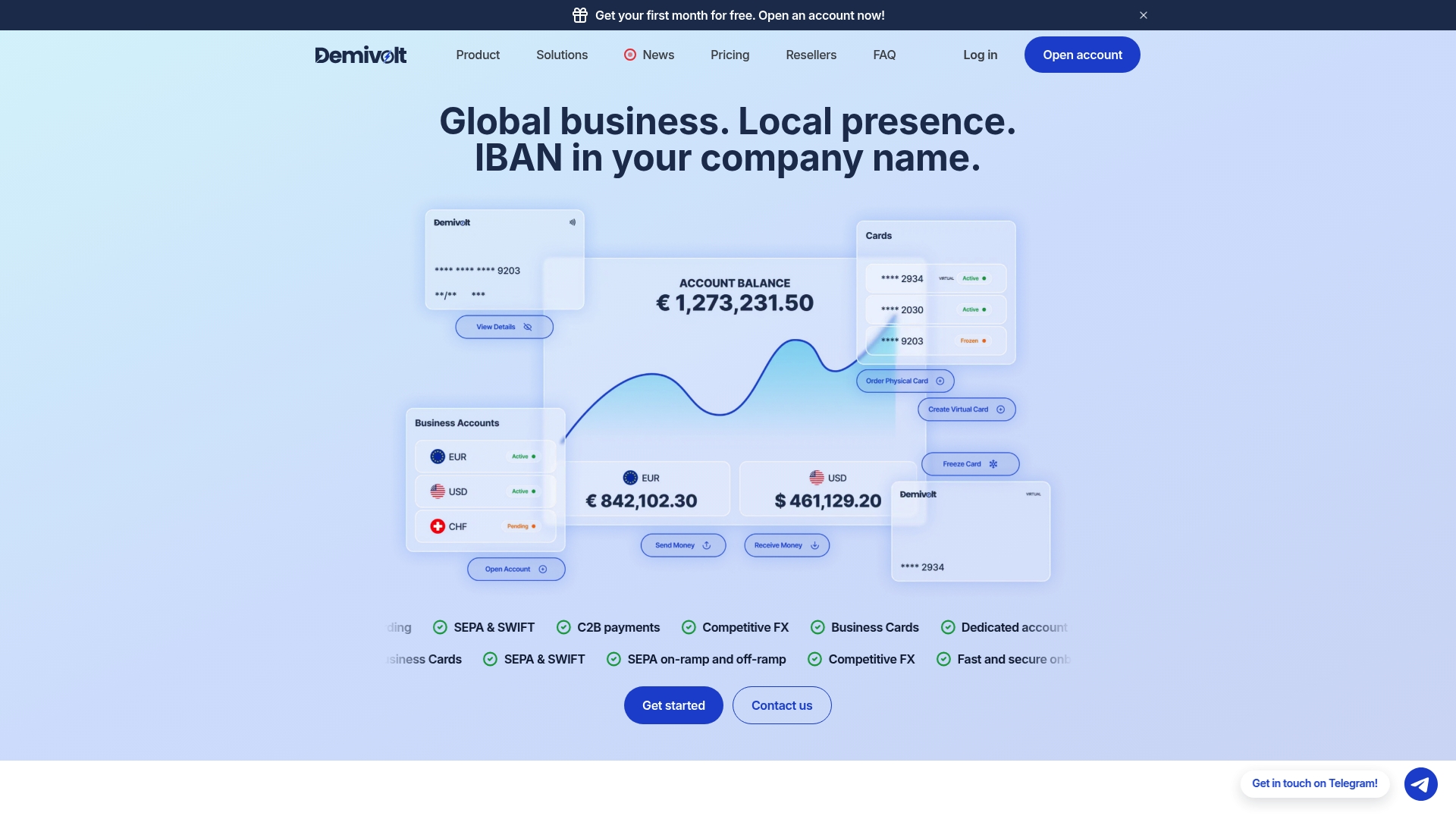
For developers building against payment infrastructure, that structure translates into a few concrete advantages:
- Role-based access so API credentials are issued only to the people and systems that need them.
- Segregated accounts that keep client funds separate from operational balances.
- Multi-account structures that support running sandbox and production environments side by side.
Encryption expectations for systems handling sensitive credentials are covered in more depth in this partner overview of CRM encryption requirements, useful background if your integration also touches customer data. To see how Demivolt’s business accounts or payments infrastructure fits your integration, visit the product pages or reach out directly.
Primary standards, cheat sheets, and vendor docs
Key references: OWASP Non-Human Identities Top 10, RFC 9700, Google Cloud API key restrictions, OWASP Secrets Management Cheat Sheet, and AWS Secrets Manager guidance.
Sources
- OWASP Non‑Human Identities Top 10 — Long‑Lived Secrets (2025)
- Add restrictions to API keys (Google Cloud Documentation)
- Manage API keys for security-sensitive workloads (AWS Secrets Manager)
FAQ
How often should you rotate API keys?
There is no single mandated interval, but OWASP’s Non-Human Identities guidance treats a lack of rotation as a primary risk factor and recommends automating it rather than relying on manual schedules. Many teams rotate production keys on a fixed cadence and rotate immediately after any suspected exposure.
Where should you store API keys securely?
Store keys in a dedicated secrets manager or injected environment variables at runtime, never in source code, config files committed to a repository, or client-side application bundles. The OWASP Secrets Management Cheat Sheet recommends centralizing storage and enforcing least privilege access on top of this.
Is OAuth more secure than an API key?
OAuth 2.0, particularly with asymmetric client authentication methods like mutual TLS or private_key_jwt, reduces reliance on a single static secret in ways a plain API key cannot, according to RFC 9700. API keys remain useful for quota tracking and simple service identification, but privileged or sensitive operations benefit from token-based authentication instead.
What should you do immediately after an API key leaks?
Revoke the compromised key and issue a replacement before doing anything else, then search repositories, CI logs, and chat history for other copies of the exposed value. Once contained, audit the key’s original scope and rotate any dependent credentials it had access to.
Does Demivolt provide secure API credentials for business banking integrations?
Demivolt supports secure integrations through role-based user management and segregated client accounts, which keep credential issuance and fund handling separated. Details on account structures and integration options are available on the Demivolt business accounts page.