

TL;DR:
- Most online business banking errors result from mismatched registration data or technical issues. Regular account access, automated workflows, and multi-account structures help prevent freezes, errors, and disruptions. Ongoing oversight of business information and compliant digital onboarding are essential to avoid costly structural mismatches.
Common online business banking account errors are mistakes that occur during account setup, daily use, or software integration, and they disrupt cash flow, trigger compliance flags, and slow operations for small and medium-sized businesses. Complaints to the Financial Ombudsman about business account de-banking have risen nearly 70% since 2020, with roughly 4,000 cases filed annually. That number reflects how often automated compliance systems flag legitimate businesses. Understanding which errors occur, why they happen, and how to fix them is the fastest way to protect your operations.
1. What are the most common online business banking account errors?
The most frequent online business banking account errors fall into three categories: technical access failures, documentation mismatches, and payment workflow breakdowns. Each category carries its own risk profile. Technical errors lock you out of your account. Documentation errors freeze your funds. Payment errors create reconciliation gaps that compound over time.

Recognizing the category of an error before troubleshooting it saves hours. A login failure and a compliance freeze look similar on the surface but require completely different fixes. The sections below cover each category in depth.
2. Technical errors: error codes and how to fix them
Three error codes account for the majority of technical banking account problems. Error 101 signals account inactivity for 12 or more months. Error 103 means incorrect login credentials were entered. Error 109 requires a mandatory password update. Each of these stops your banking software from connecting to your account feed.
The fix for Error 101 is to contact your bank directly and request account reactivation. For Error 103, reset your credentials through the bank’s official portal rather than a third-party app. Error 109 resolves once you update your password and re-authenticate your connection in your accounting software.
- Log in to your business banking portal at least once every 60 days to prevent inactivity flags.
- Use your bank’s official password reset flow, not a cached browser session.
- After any credential change, disconnect and reconnect your bank feed in your accounting software.
- Enable two-factor authentication to reduce lockout frequency from failed login attempts.
- Keep a record of your last successful login date for each account you manage.
Pro Tip: Set a recurring calendar reminder every 45 days to log in to each business account, even if no transactions are pending. This single habit prevents the majority of Error 101 flags.
3. How onboarding misalignments cause account freezes
Bank account freezes reveal structural issues in entity income flow, jurisdiction, and documentation gaps that build silently and then trigger a sudden block. The freeze is not the problem. It is the symptom of a mismatch that existed before the account was opened.
The two most common structural triggers are entity-income mismatches and jurisdictional ambiguity. An entity-income mismatch occurs when the business type registered with the bank does not match the income patterns the bank observes. A sole proprietor receiving large B2B wire transfers, for example, can trigger automated fraud controls designed for corporate accounts.
EIN verification failures stem from inconsistent business information across IRS records and bank data. Using a P.O. box as your business address in one place and a physical address in another is enough to cause a mismatch. The same applies to abbreviated business names.
| Verification criterion | Common pitfall | Recommended fix |
|---|---|---|
| Business legal name | Abbreviations or DBA names that differ from IRS records | Use the exact name as registered with the IRS |
| Business address | P.O. box vs. physical address inconsistency | Align all records to one verified physical address |
| EIN registration | Mismatched name or address across filings | Cross-check IRS records before submitting bank applications |
| Entity type | Sole proprietor filing as LLC or vice versa | Confirm entity classification matches state registration |
| Jurisdiction | Operating across states without registered agents | Register in each state where you conduct business |
Pro Tip: Before opening any new business account, pull your IRS EIN confirmation letter and compare every field, including punctuation and abbreviations, against your state registration documents. Fix discrepancies before you apply.
4. Digital onboarding friction points that block account completion
Less than half of financial institutions offer a continuous onboarding process that lets applicants pause and resume without losing progress. That gap creates one of the most common online business banking friction points: an incomplete application that expires or resets. Business owners who gather documents in stages, which is the norm for busy SMBs, are disproportionately affected.
Manual document verification compounds the problem. When a bank requires a human reviewer to approve each uploaded document, the process can stall for days. Automated identity verification embedded early in onboarding reduces these delays while maintaining compliance standards. The result is faster account openings with fewer errors introduced by manual data entry.
Digital onboarding that works well for SMBs shares a consistent set of features:
- A single application session that saves progress automatically at each step.
- Integrated identity verification that checks documents in real time rather than queuing them for manual review.
- Clear error messages that specify exactly which field or document caused a rejection.
- A dedicated onboarding status page so applicants know where they stand without calling support.
- Pre-filled fields that pull from verified business registries to reduce manual entry errors.
For a detailed walkthrough of compliant account setup, Demivolt’s guide on compliance-first onboarding covers each step with practical checklists.
5. How fragmented payment workflows create banking errors
Corporate treasury teams lose significant hours weekly due to fragmented workflows, multiple system logins, and disconnected banking and ERP systems. That productivity loss is not just an inconvenience. It creates reconciliation gaps, delayed payments, and missed fraud signals. When payment data lives in three different platforms, errors compound before anyone notices them.
Vendor payment friction most often occurs outside the bank itself, during manual vendor onboarding and paper check processing. Paper checks introduce delays of 3–7 business days and require manual matching against invoices. Each manual step adds a point of failure.
The contrast between manual and digital payment workflows is stark:
- Manual workflow: Paper checks, phone-based vendor onboarding, separate logins for each payment platform, manual reconciliation against bank statements.
- Digital workflow: Centralized vendor portal, automated payment matching, single dashboard for all outbound payments, real-time reconciliation alerts.
Digital vendor payment programs enable centralized tracking, reduce fraud exposure, and improve reconciliation accuracy compared to check-heavy manual methods. Switching to a consolidated payment platform is the single highest-impact change most SMBs can make to reduce banking account discrepancies.
For a deeper look at consolidating your payment setup, Demivolt’s resource on digital payment platforms explains the operational gains in concrete terms. Understanding cross-border payment efficiency is also worth reviewing if your business handles international transactions.
6. Security errors and password management mistakes
Weak or reused passwords are the most common security error in online business banking. A password used across multiple platforms means a single breach on any platform exposes your banking credentials. The consequences range from unauthorized transactions to full account takeover.
Insufficient user permission controls create a second layer of risk. When every team member has full account access, a single compromised employee account can authorize outbound payments. Role-based access controls limit each user to only the functions their role requires.
| Security feature | Common mistake | Best practice |
|---|---|---|
| Password strength | Reusing passwords across platforms | Use a unique, 16-character password per account |
| User permissions | Granting full access to all staff | Apply role-based access with approval workflows |
| Device security | Accessing accounts on shared or public devices | Restrict banking access to company-managed devices |
| Network security | Using public Wi-Fi for banking sessions | Require VPN for all remote banking access |
| Fraud monitoring | Relying on monthly statement reviews | Enable real-time transaction alerts for all accounts |
Pro Tip: Audit your user permission list every quarter. Remove access for any employee who has changed roles or left the company. Stale permissions are one of the most overlooked fraud vectors in SMB banking.
7. Why holding multiple accounts reduces your risk exposure
Switching costs in payment infrastructure are high, and a sudden account freeze or platform outage can halt operations entirely if you rely on a single banking relationship. Holding accounts with two or more providers preserves cash flow continuity when one account is restricted. This is not redundancy for its own sake. It is a structural risk management decision.
The practical setup for most SMBs is a primary operating account for daily transactions and a secondary account for payroll or vendor payments. If your primary account is frozen for compliance review, payroll still runs. That separation also makes it easier to identify discrepancies, since each account serves a defined purpose.
Banking redundancy is especially critical for businesses operating across borders, where a compliance flag in one jurisdiction can affect account access in another. Demivolt’s multi-account structure supports exactly this kind of separation, with dedicated IBANs for different payment flows and role-based controls across accounts.
Key takeaways
The most damaging online business banking errors share one root cause: a mismatch between how your business is structured and how your bank expects it to operate.
| Point | Details |
|---|---|
| Match all registration data | Align your IRS records, state registration, and bank application to the same name, address, and entity type. |
| Log in regularly | Access each account at least every 45 days to prevent inactivity flags and Error 101 lockouts. |
| Automate payment workflows | Replace manual checks and fragmented platforms with a centralized digital payment system to reduce reconciliation errors. |
| Apply role-based access | Limit each team member’s banking permissions to their specific function and audit the list quarterly. |
| Hold multiple accounts | Maintain at least two business accounts with separate providers to protect cash flow during freezes or outages. |
The error no one talks about: structural drift
Most articles on business banking errors focus on the technical layer: wrong passwords, expired sessions, failed uploads. Those are real problems, but they are also the easiest to fix. The errors that actually damage businesses are structural, and they build slowly.
I have seen finance managers spend weeks troubleshooting a compliance freeze that turned out to be a business name inconsistency introduced three years earlier when the company rebranded. The bank’s records still showed the old name. The IRS records showed the new one. No one noticed until an automated compliance review flagged the mismatch and froze the account.
The lesson is not to be more careful during onboarding, though that helps. The lesson is to treat your banking setup as a living document that needs periodic review. Business structures change. Addresses change. Entity types change when a sole proprietor incorporates. Each change creates a potential mismatch if it is not reflected across every financial relationship you hold.
The businesses that avoid costly banking account problems are not the ones with the most sophisticated software. They are the ones that treat alignment between their legal structure and their banking setup as an ongoing operational task, not a one-time setup event. Pair that discipline with a platform that supports compliance monitoring and multi-account management, and most of the errors covered here become preventable.
— dd
How Demivolt helps SMBs avoid costly banking errors
Demivolt is built for businesses that cannot afford the disruption that common banking errors cause. Its digital-first onboarding process includes automated compliance checks that catch documentation mismatches before they become account freezes.
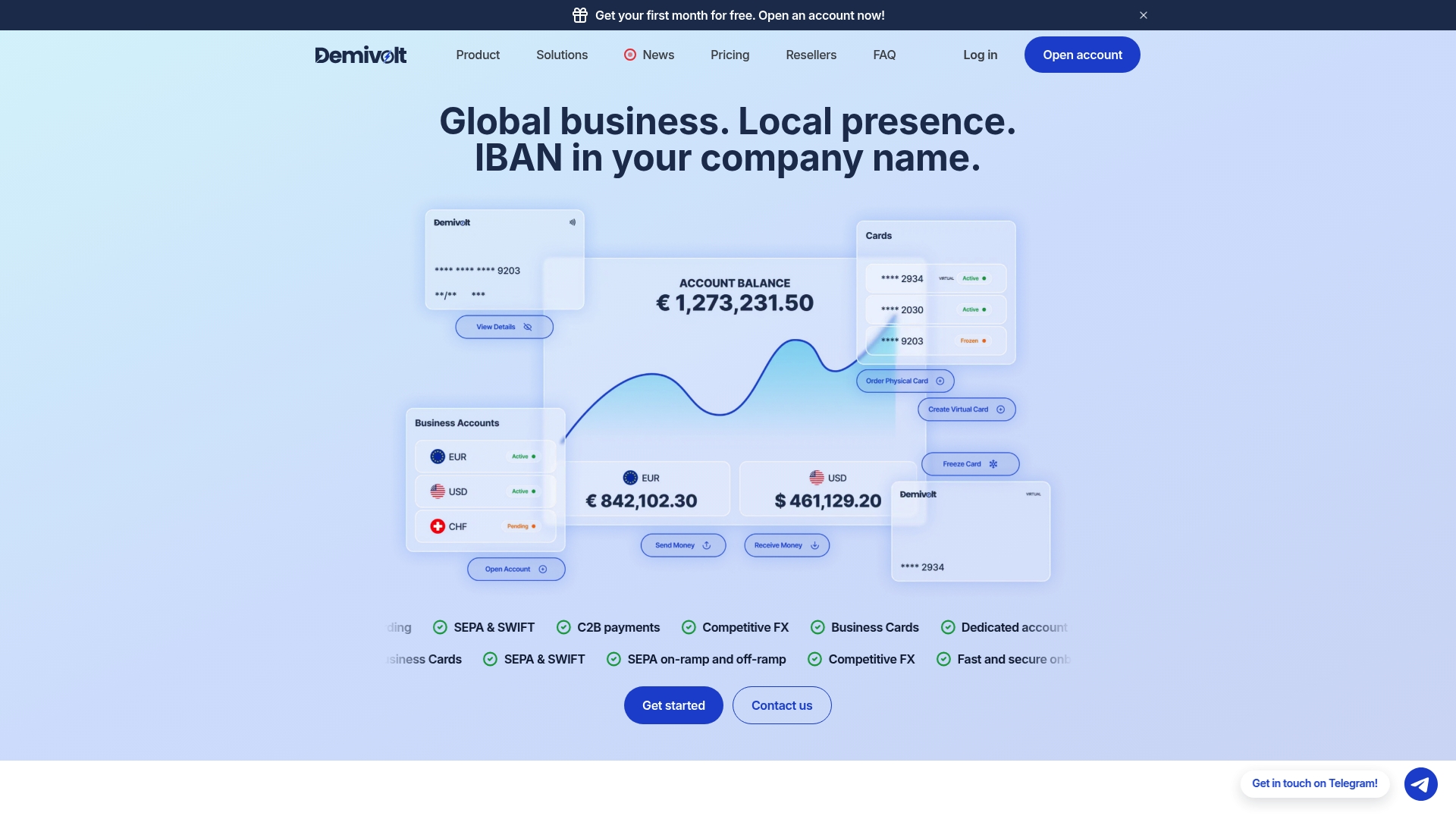
The platform supports dedicated IBAN accounts, SEPA and SWIFT payments, and role-based user management across multiple accounts. For businesses that want to reduce input errors immediately, Demivolt’s free IBAN validator checks account numbers against the ISO 13616 standard before any payment is sent. The full suite of free SEPA tools covers the most common cross-border payment checks in one place. For businesses ready to set up a compliant digital account, Demivolt’s platform handles onboarding, compliance, and payment workflows in a single environment.
FAQ
What causes most online business banking account errors?
Most errors stem from mismatches between business registration data and bank records, including inconsistent names, addresses, or entity types. Technical errors like Error 101, 103, and 109 are the next most common category and are usually resolved by updating credentials or reactivating inactive accounts.
How long does it take to open a business bank account online?
Digital business account setup typically takes 30–60 minutes when all documentation is prepared and aligned. Errors in submitted documents or mismatched registration data extend this timeline significantly.
Why was my business bank account frozen without warning?
Account freezes most often result from entity-income mismatches or jurisdictional issues that automated compliance systems flag during routine reviews. The freeze is rarely random; it reflects a structural inconsistency that existed before the freeze occurred.
How do I prevent EIN verification failures when opening a business account?
Use the exact business name and address from your IRS EIN confirmation letter on every bank application. EIN verification failures most commonly occur when a P.O. box, abbreviation, or outdated address creates a mismatch between IRS records and bank data.
What is the best way to reduce payment reconciliation errors?
Replace paper checks and manual vendor onboarding with a centralized digital payment platform that provides real-time transaction matching. Fragmented systems and manual processes are the primary driver of reconciliation discrepancies in SMB banking.
Recommended
- Demivolt | Blog – Online Business Banking Benefits 2026: SME Guide
- Demivolt | Blog – Types of Business Bank Accounts: Find the Right Fit for Your SME
- Demivolt | Blog – Business banking for SMEs: services, compliance & cross-border
- Demivolt | Blog – IBAN Accounts Explained: Guide for SMEs Managing Cross-Border Payments